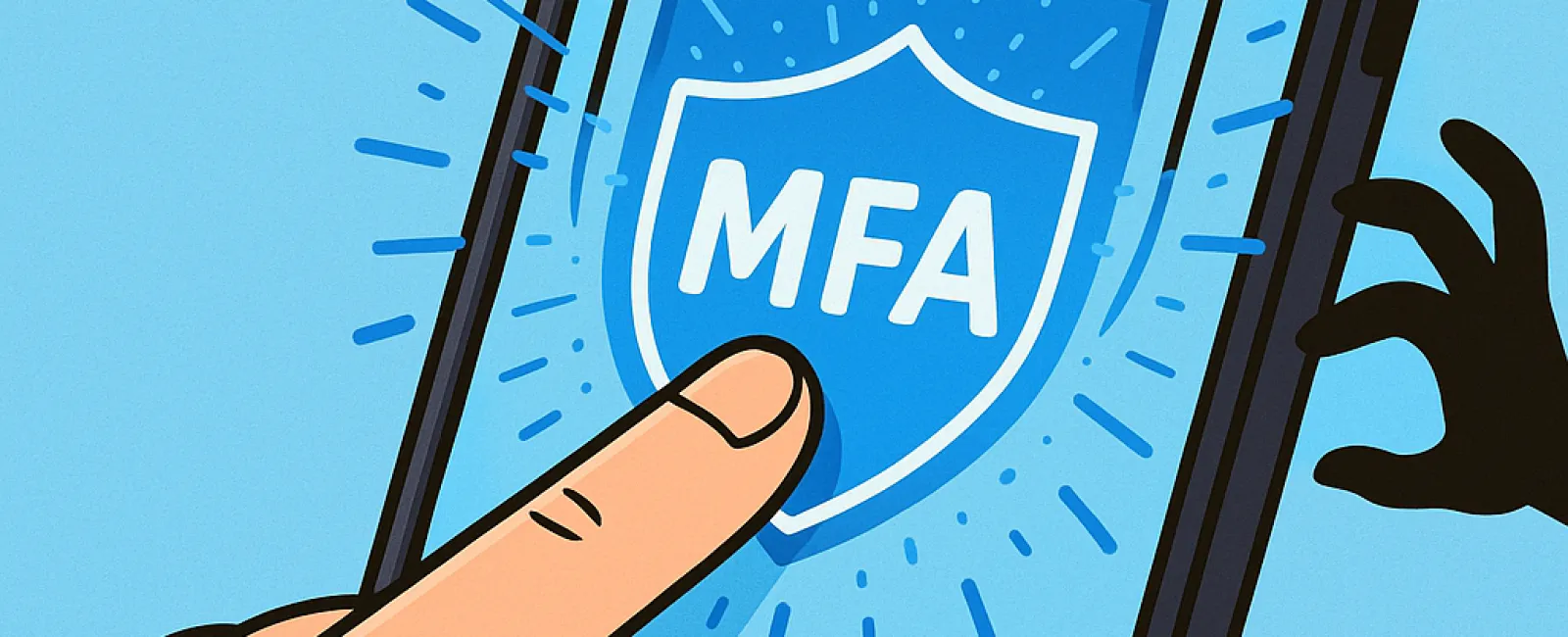
Just like you buckle your seat belt for safety or lock your office door at night, securing your online accounts with multifactor authentication (MFA) is essential. Why settle for just a password when you can add an extra layer of defense?
MFA acts as a powerful second barrier to your digital world. Instead of depending solely on passwords—which can be stolen, guessed, or phished—it adds an additional step like a text message code, authentication app prompt, or fingerprint scan. Even if hackers get hold of your password, without this extra verification, they won't get any further.
One Simple Step That Transforms Your Security
Think of your password as locking the front door; MFA is like setting your home alarm system before you go to bed. While not absolutely mandatory, it gives you peace of mind knowing there's a backup security measure in place.
MFA works by adding a quick verification step during login, confirming it's truly you. You've probably heard it called "two-step verification," "two-factor authentication," or "one-time password," but all these terms describe the same thing—multiple checks to verify your identity before access is granted.
This verification can take various forms: confirmation emails during account creation, bank security questions, text message codes, push notifications, or phone calls. Most require just one tap or a quick code entry.
How MFA Protects You in Real-Life Scenarios
Using MFA is effortless on your end—simply enter a code or approve a prompt. However, for cybercriminals, it's a major roadblock. If an unauthorized login attempt occurs, MFA will alert you immediately with a notification or code request, giving you a chance to strengthen your password before data is compromised.
Even if someone tricks an employee into sharing a password, MFA stops them cold. As Microsoft's research shows, enabling MFA cuts account breach risk by over 99.2%, and up to 99.99% when fully implemented.
Where and How to Enable MFA for Maximum Security
Prioritize MFA activation on:
- Your banking and financial apps
- Email platforms and cloud storage services
- Social media accounts
- Work accounts handling client or sensitive data
Setting up MFA is usually straightforward, with most services offering built-in options. Choose the method that suits you best and integrate it seamlessly into your daily routine. Using an authenticator app can significantly boost staff login security.
In essence, MFA is a fast, cost-free shield that blocks most hacking attempts. Investing just a few minutes to enable it today can save you from extensive headaches and data loss tomorrow.
The simplest route to enable MFA is by reaching out to your IT provider. A qualified MSP will ensure a smooth setup process. If you need expert cybersecurity assistance, click here or call us at (573) 334-4439 to schedule a No-Obligation Conversation with our team now.